About Truck Scanner For Liebherr
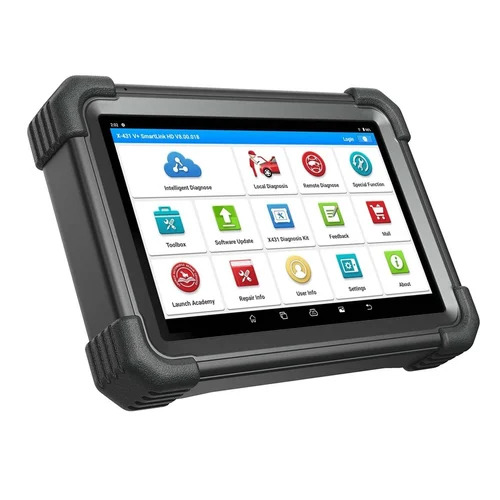
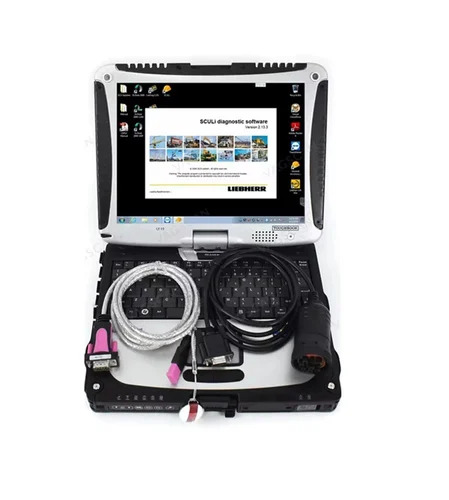
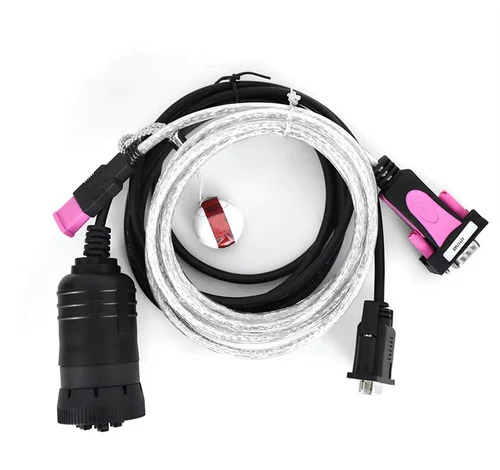
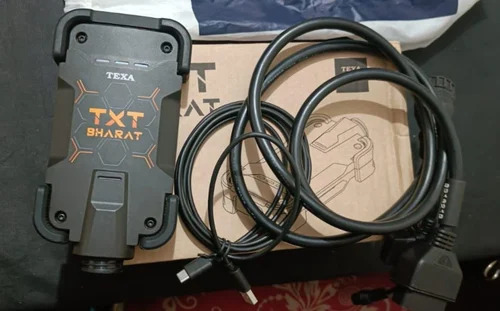
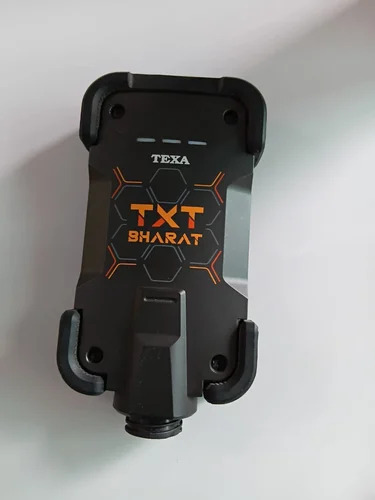
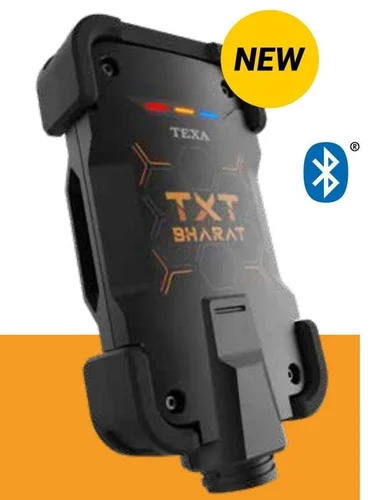
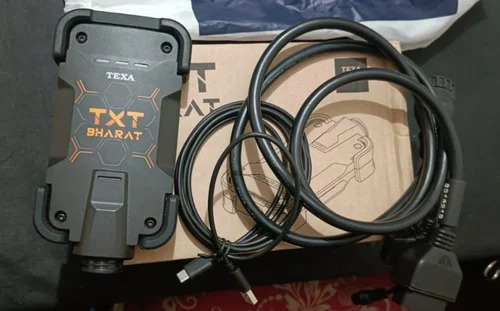
Explore the latest Truck Scanner for Liebherr-a transcendent tool tailored for meritorious technicians and fleet champions. Specifically engineered for Liebherr trucks, this scarce diagnostic device features a digital LCD, ensuring real-time data visibility. The device connects via wired USB or OBD II cable and supports CAN, K-Line, and ISO9141 protocols, powered directly from your vehicle (12V/24V). Software and convenient update options are included, harnessing advanced internal memory with an SD card slot. Exceptional in design, this high-grade, matte-finished instrument is both robust and compact, designed for heavy-duty diagnostics and reliable performance in extreme temperatures.
Direction of Use & Material Features
To use the Truck Scanner for Liebherr, simply connect it to the OBD or diagnostic port of your vehicle using the wired cable. Crafted from high-grade plastic and electronic components, the compact, handheld device provides durability and resistance on diverse application surfaces within your workshop or on-site. Ideal for fast, accurate vehicle fault detection, ECU reading, and parameter programming, it is engineered to withstand routine employment in demanding environments.
FOB Port, Sample Policy & Export Markets
Products are dispatched via major Indian FOB ports with rapid delivery as per customer requirements. Clear quotations are provided upon inquiry, and sample policies support assessment before large orders. Serving main export markets across Asia, Africa, and Europe, we prioritize timely delivery, ensuring your Truck Scanner for Liebherr reaches you fully equipped and ready for use shortly after your order is processed and dispatched. Experience efficiency and global service tailored to your needs.
FAQ's of Truck Scanner For Liebherr:
Q: How do I connect the Truck Scanner to my Liebherr truck?
A: Simply plug the scanner's OBD or diagnostic cable into your vehicle's diagnostic port and power on the device using the vehicle's 12V or 24V supply.
Q: What benefits does the digital LCD display offer for diagnostics?
A: The digital LCD provides clear, real-time readouts, making vehicle fault detection, ECU data reading, and parameter programming efficient and user-friendly.
Q: When should I update the software on the Truck Scanner?
A: It is wise to update the software whenever new updates are available to ensure compatibility with new truck models and access enhanced diagnostic features.
Q: Where can I store the diagnostic data collected by the scanner?
A: You can store data in the device's internal memory or use an SD card for additional storage, allowing for easy data management and transfer.
Q: What is the scanning process using this tool for Liebherr trucks?
A: Connect to the truck, initiate the scan through the menu, select the specific function such as fault detection or ECU reading, and review results on the digital LCD.
Q: What type of surfaces can the Truck Scanner be used on?
A: Designed with high-grade plastic and a matte finish, this device is sturdy and suitable for rugged surfaces found in workshops or field environments.
 Send Inquiry



 Send Inquiry

 Send Inquiry


 English
 Spanish
 French
 German
 Italian
 Chinese (Simplified)
 Japanese
 Korean
 Arabic
 Portuguese